Trapeze Portal Guide
This document will guide you through the Objective Trapeze Portal, which allows you to easily manage the configuration of Objective Trapeze for all your users, this includes the ability to easily share Stamps and Presets.
Should you require any assistance with Trapeze Portal, please feel free to contact the Objective Trapeze Support team by emailing Objective Trapeze Support Team.
Getting Started
To access Trapeze Portal
-
Click on the Trapeze Portal button on the
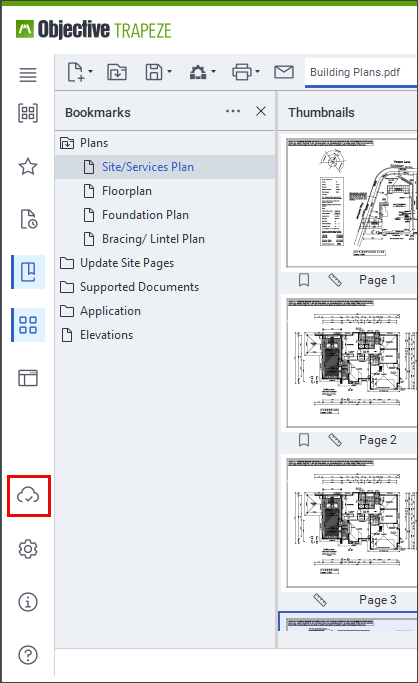
OR
-
Navigate to trapeze.objective.com in a browser.
-
Authenticate using your ObjectiveID account.
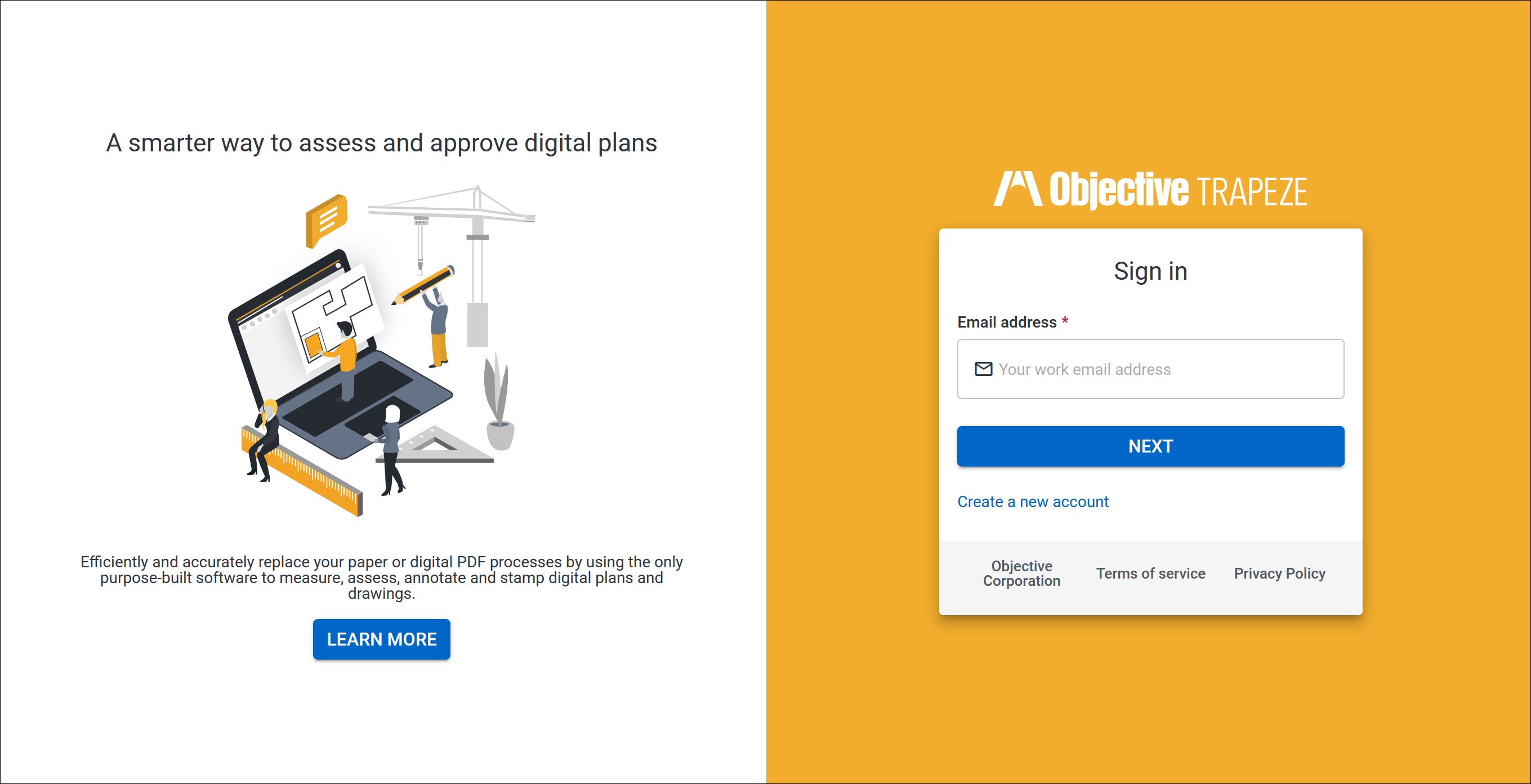
-
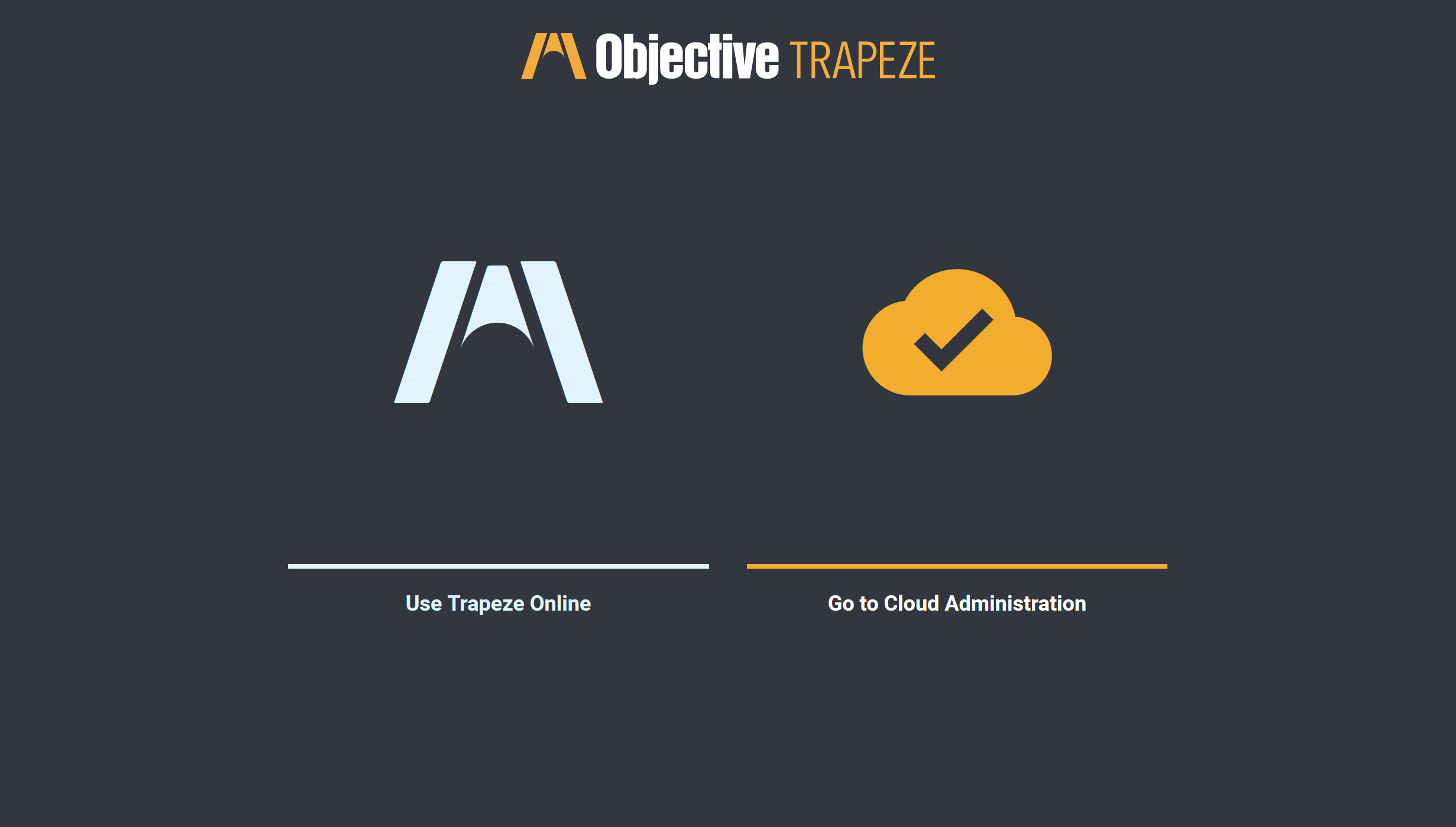
You will see the Objective Trapeze Portal Home page, select Go to Cloud Administration.
Tip: When new to the Objective Trapeze Portal it can be useful to expand the sidebar by clicking on the >.
Note: Users will automatically be added to the Subscription when they have created an account in the Trapeze Portal and logged into Objective Trapeze.